Concept case study · 2026
Groundwork
CRM, rethought. The AI does the groundwork; your team makes every call.
A CRM where AI preps, drafts and answers, every line shows its source, and nothing saves until a person approves. From research to a coded prototype.
- Role
- Research, design, front end
- Platforms
- Desktop web and phone
- Built with
- Next.js, React, TypeScript
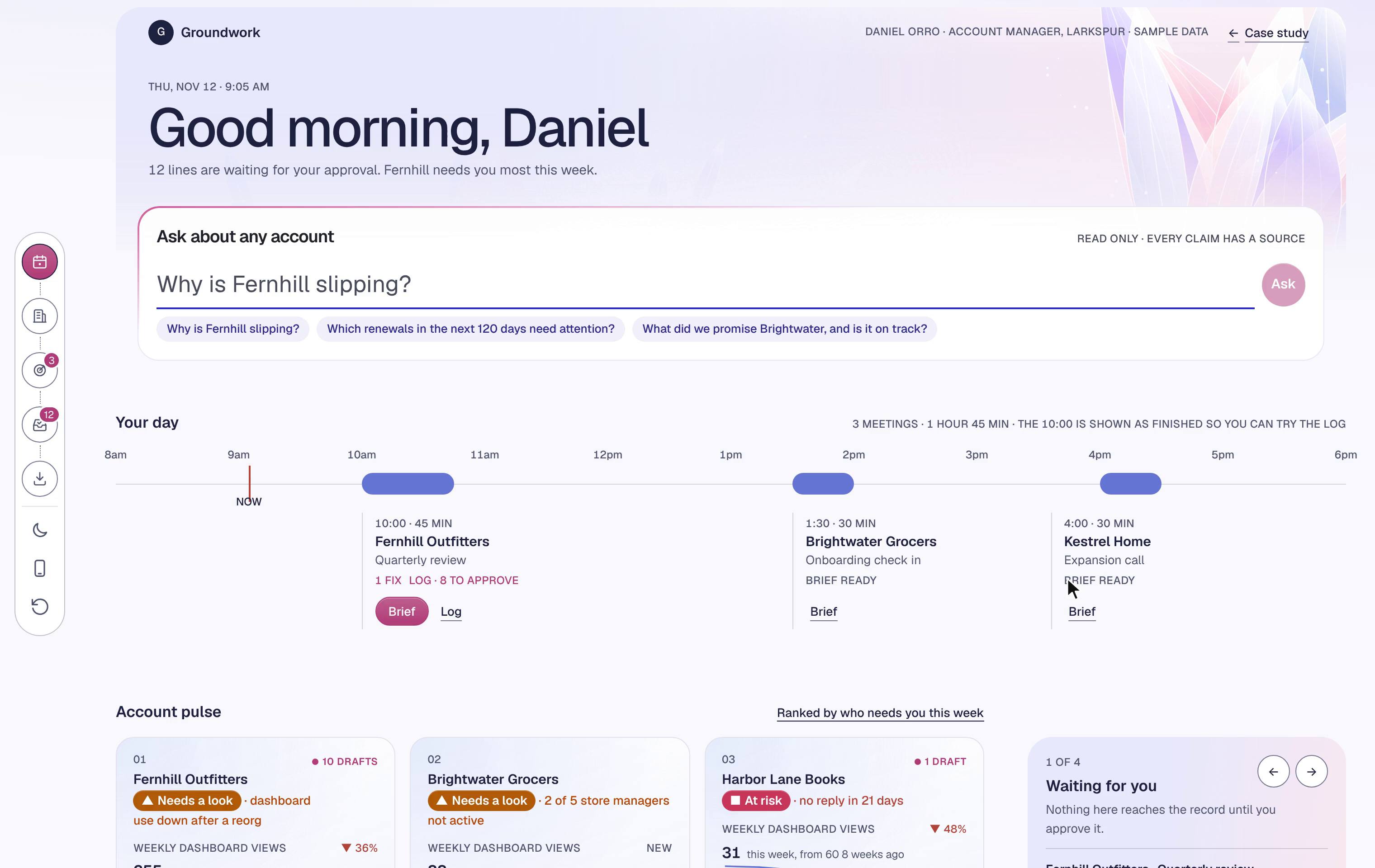
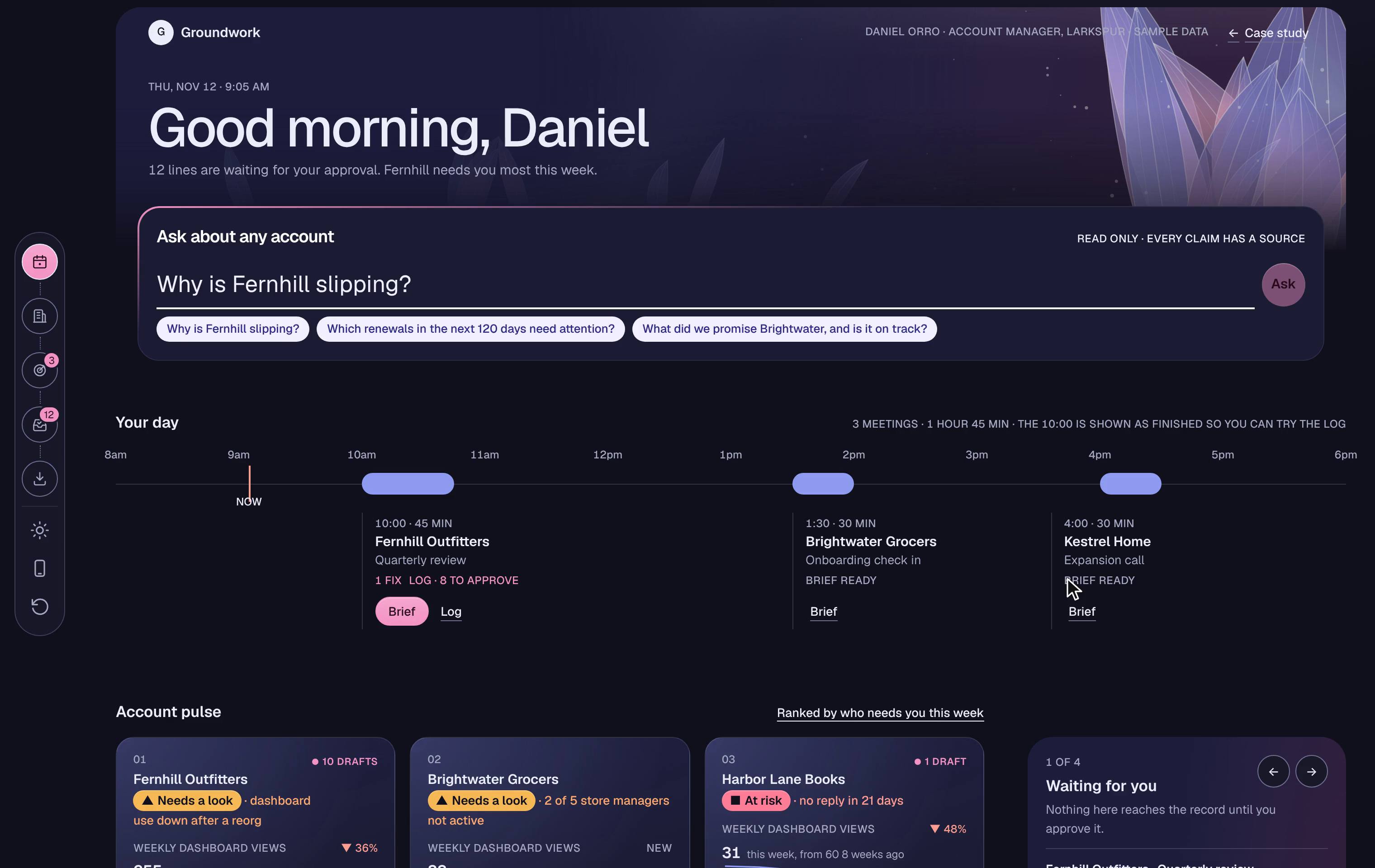
The story in six lines
- 01GoalA CRM that account managers keep current without the typing.
- 02Problem68% of sellers say note taking and data entry take the most time (Salesforce State of Sales).
- 03ApproachAI drafts the record from meetings, every line shows its source, and a person approves.
- 04DecisionEvery AI line waits for a person, over saving on its own. None of 13 similar products shows a source on every line.
- 05LaunchA concept: a working web and phone app, about 8,500 lines of TypeScript, with tests.
- 06ResultWhat I’d measure: drafts approved without edits, and meetings logged within a day.
On the phone
For the minutes between meetings
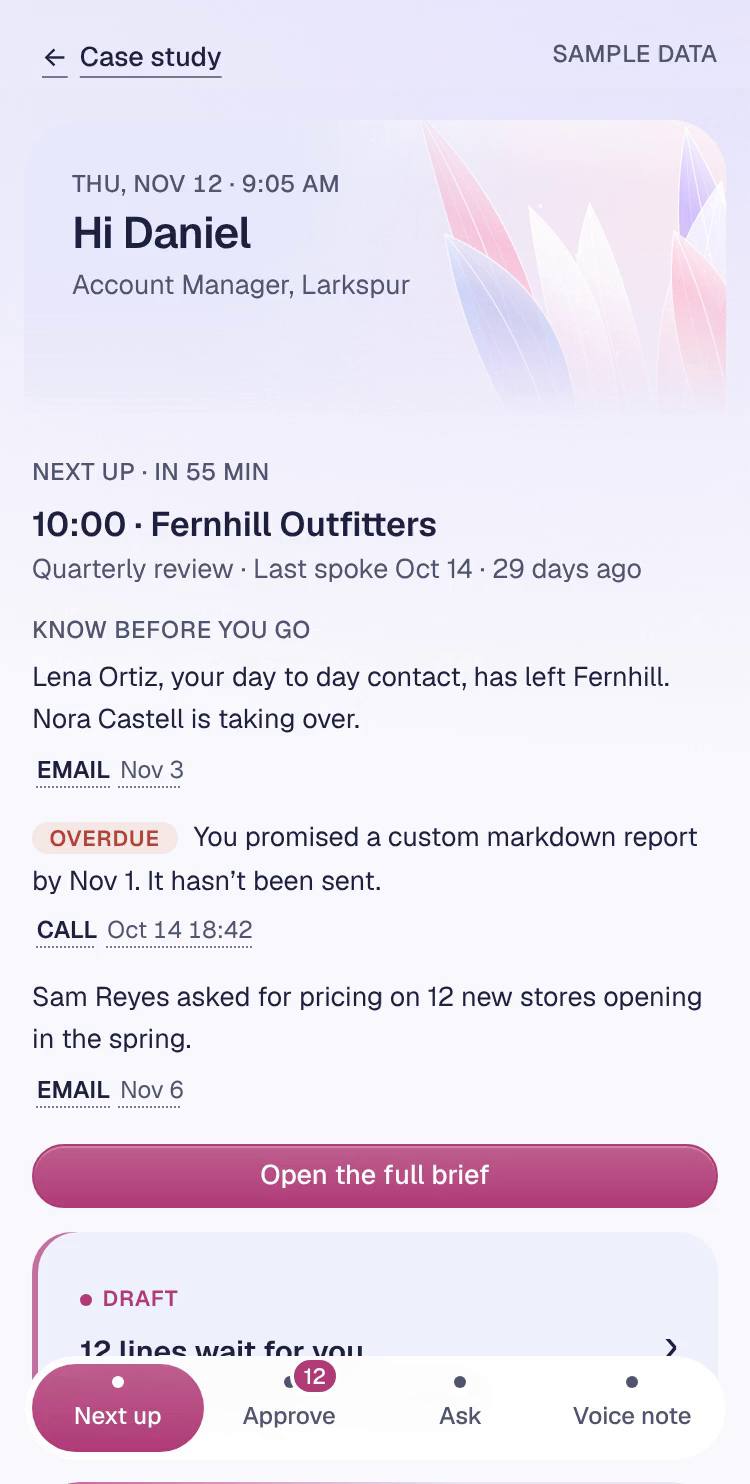
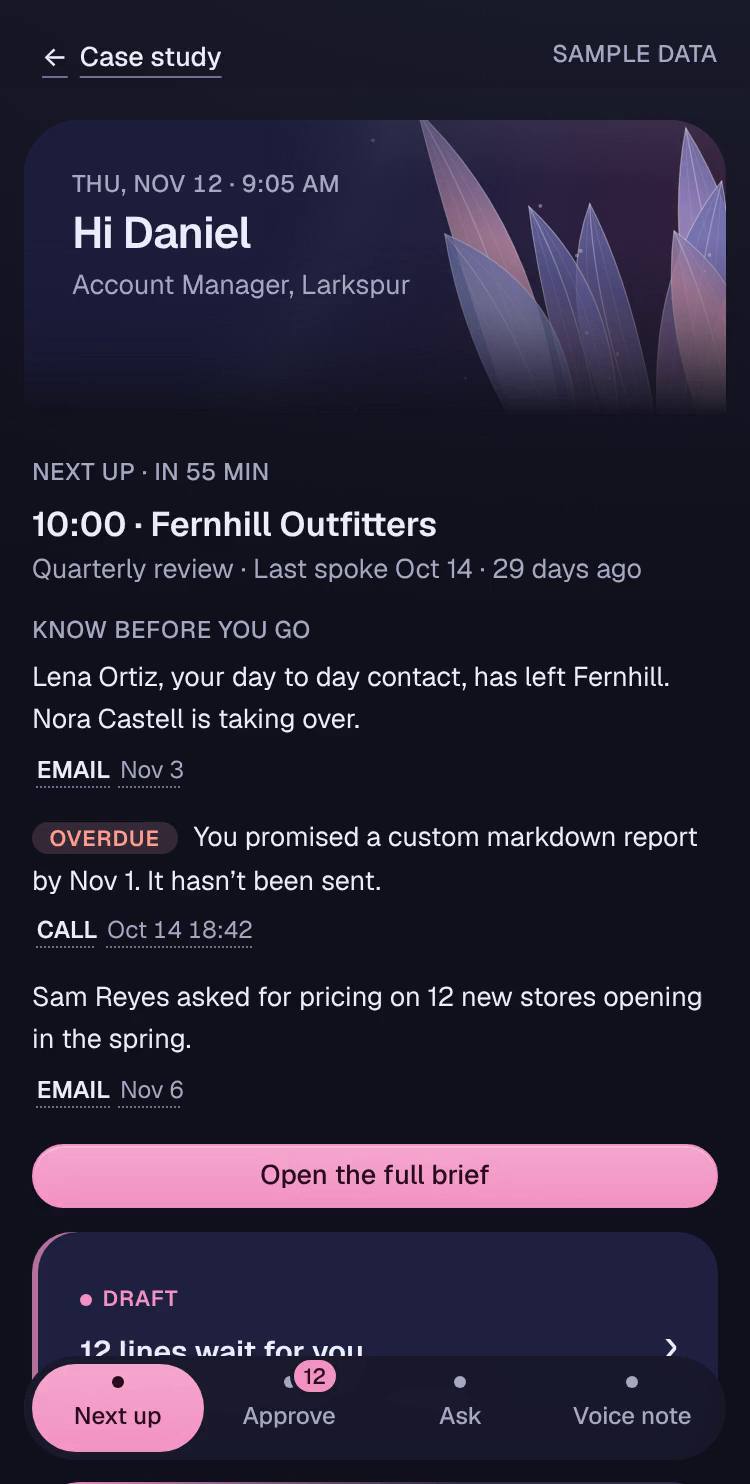
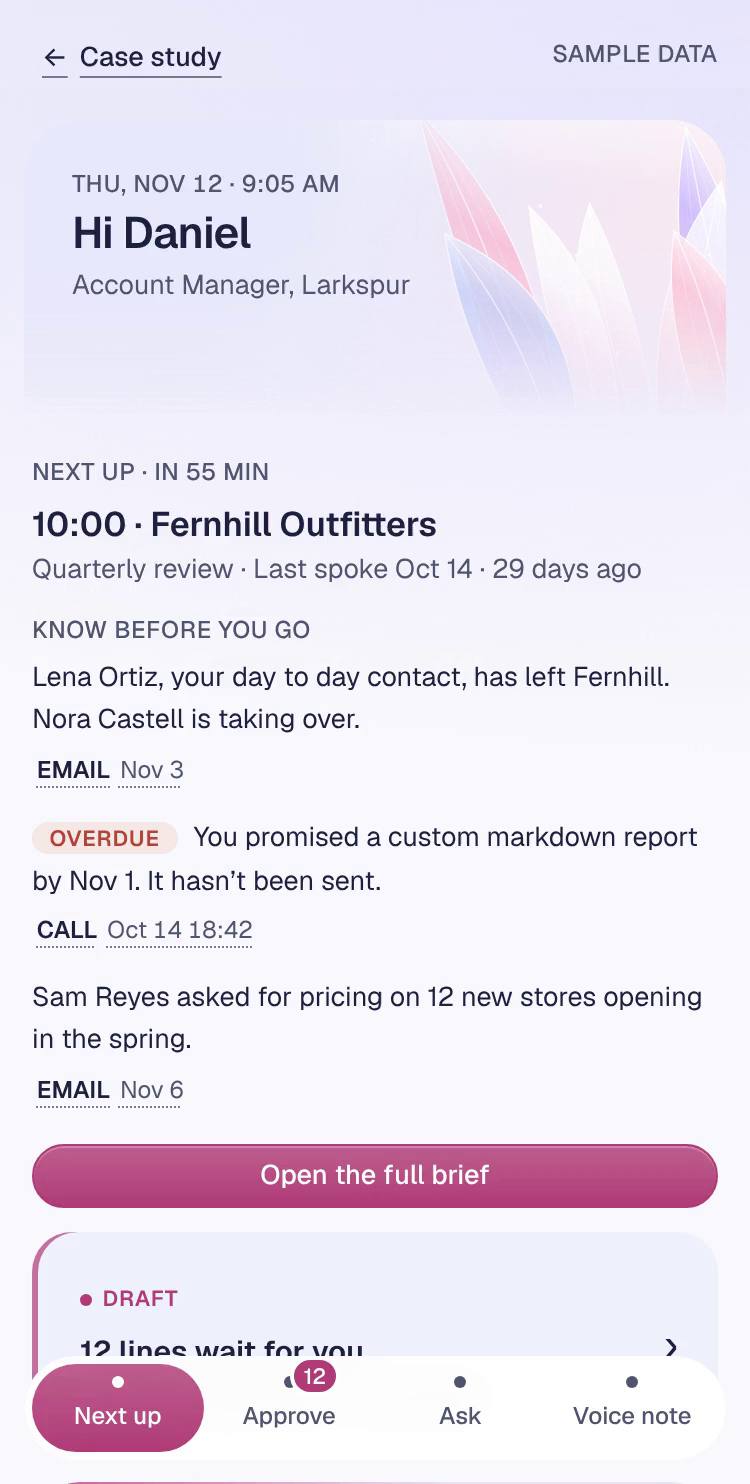
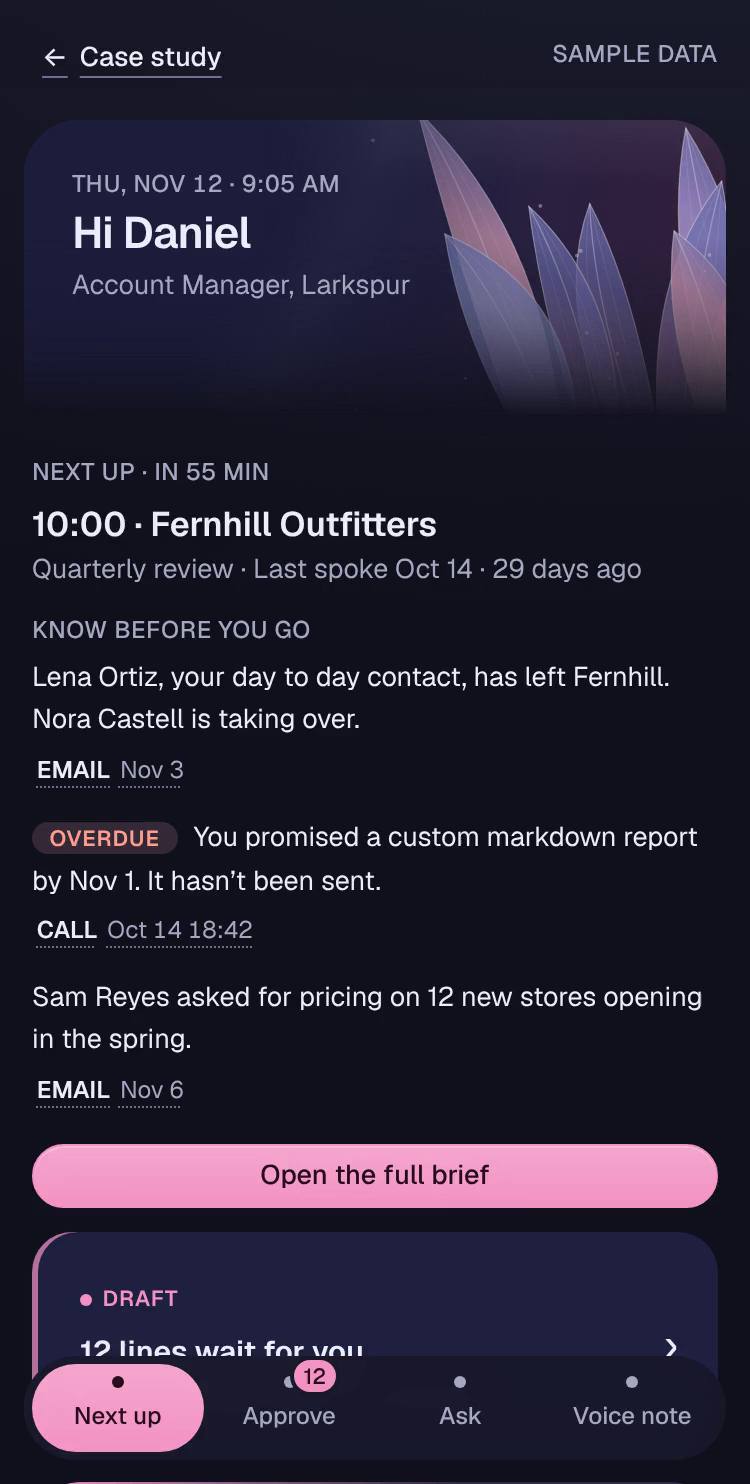
On the way to a meeting, the phone shows what to know, not a dashboard. After it, a minute logs it. Same rule as the desktop: the AI drafts, a person approves.
- Next up: the next meeting and what changed, each line with its source.
- Approve: swipe right to approve, left to dismiss.
- Ask: the same sourced answers as the desktop.
- Voice note: each sentence becomes a line to approve.
The recording plays the loop above. Try the working app with sample data.
CRMs are built for reporting, not for the people who fill them in
Account managers type for a dashboard above them. The data goes stale, so the AI on top can’t be trusted.
I started from the people who keep the record.
Take the typing out of the week.
The AI drafts, the person approves, and the record is current by the end of the call.
- Prep from five tabs
- Take notes on paper
- Type the call in later
- A promise slips
- The record goes stale
- Read the brief
- Talk
- Approve the drafted log
- Follow ups land on Your tasks
Briefs and automatic logs are now expected. Trust isn’t built in yet.
I read thirteen products that already put AI around the meeting, from Salesforce and HubSpot to Gong, Attio and newer AI first CRMs, against the six things Groundwork set out to do.
None of thirteen products shows a source on every AI line. So Groundwork competes on trust.
Interviews so far are simulated; real ones are next.
| Capability | Yes | Partly | No mention found |
|---|---|---|---|
| Call log into the CRM | 9 | 3 | 1 |
| Brief before a meeting | 7 | 3 | 3 |
| Deal risk with a reason | 4 | 8 | 1 |
| What changed since last time | 2 | 5 | 6 |
| Person approves first | 3 | 3 | 7 |
| Source on each AI line | 0 | 5 | 8 |
Ask anything about an account. Every claim brings its source.
Ask answers in plain words, with a source after each claim.
- ReadsEmails, tickets, the last call and usage, showing each step as it goes.
- AnswersPlain words with a source after every claim, each one a click away.
- Sums upThe three numbers that matter for this question, and one next move.
- Changes nothingRead only, and it says so. Nothing reaches the record.
Approve, ask for a list, and keep going on the phone
Recorded from the working prototype, in three steps.
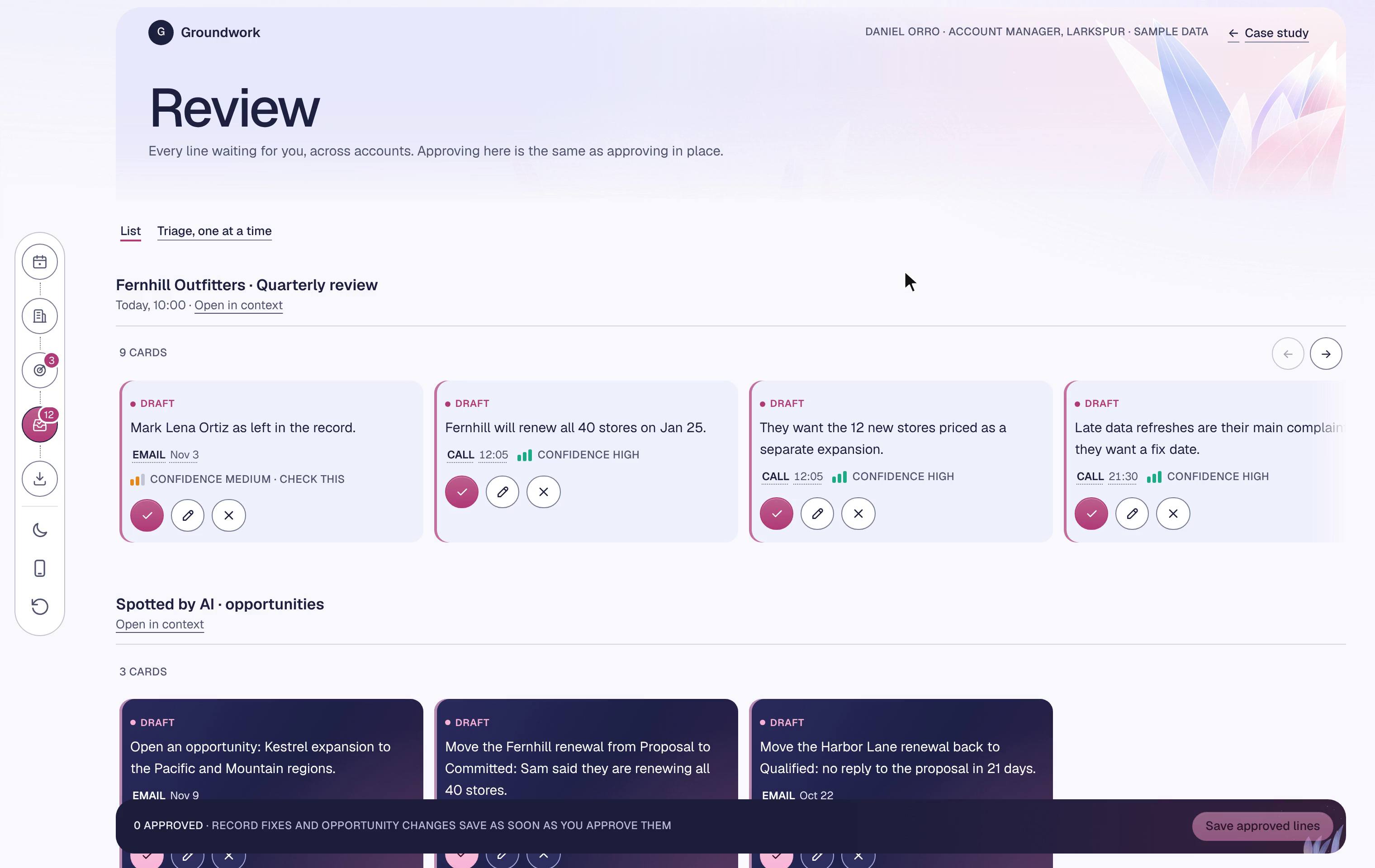
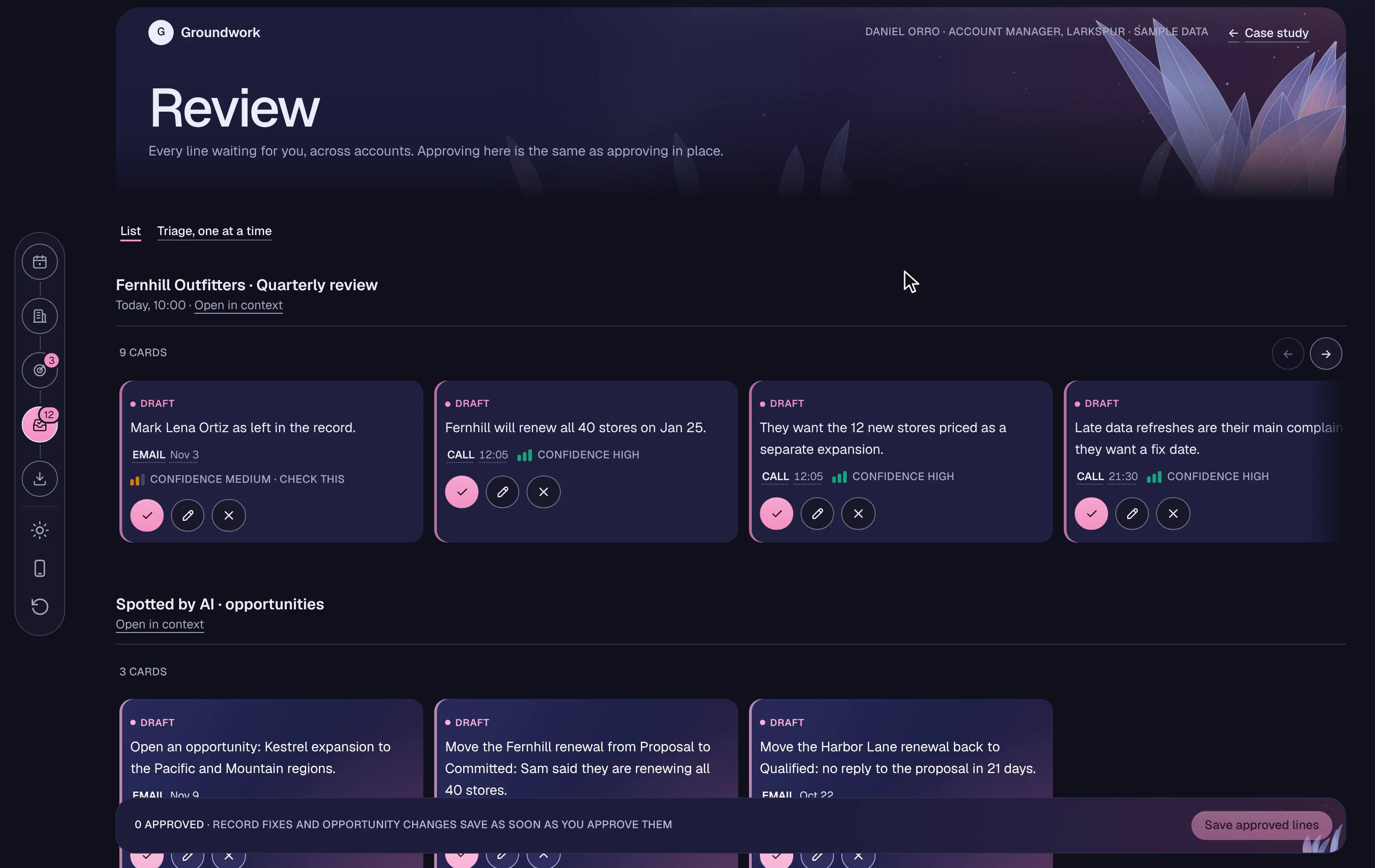
Approve drafts where they sit
AI writes drafts with a source. Approve, edit or dismiss in place.
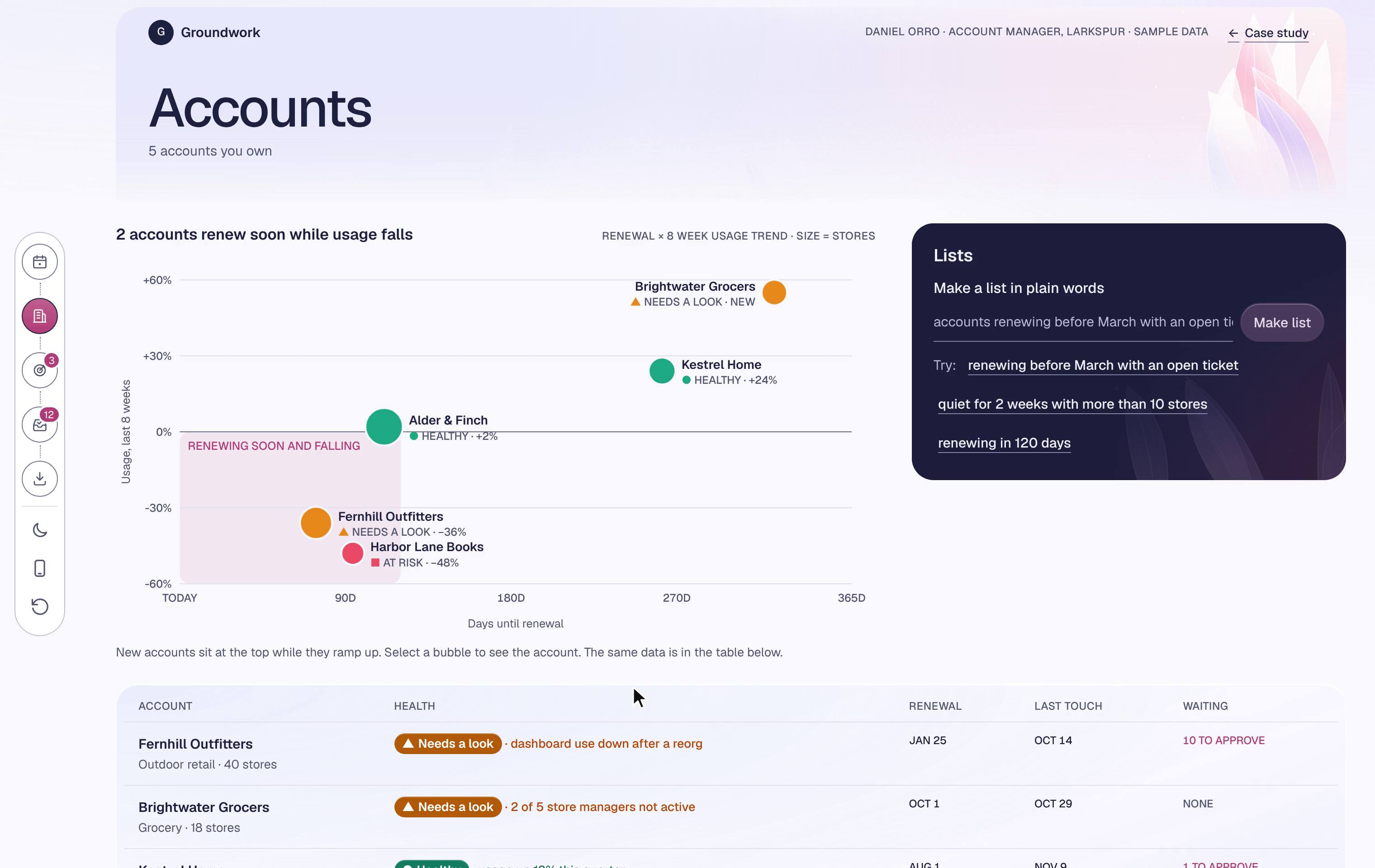
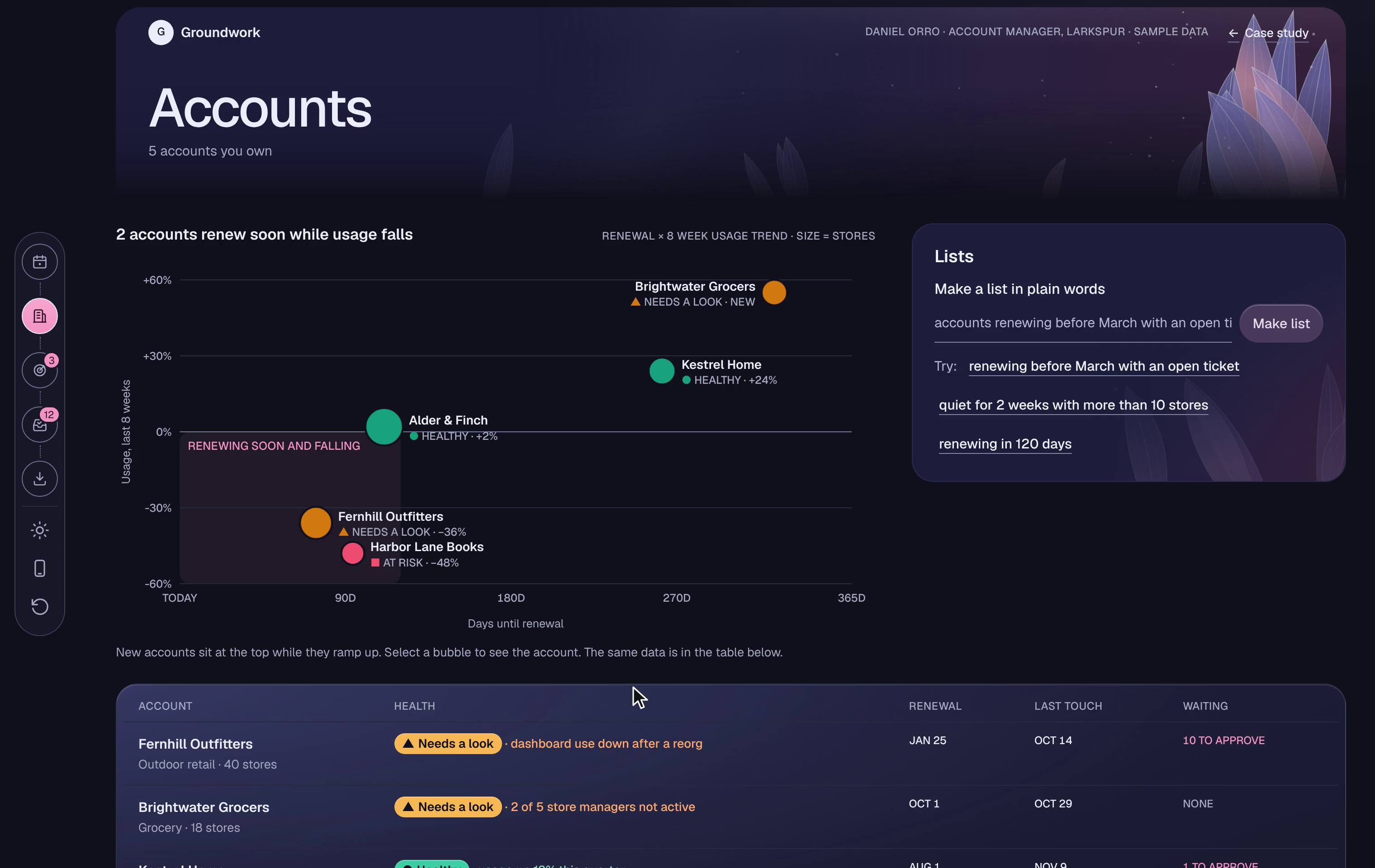
Say the list you want
Type what you want. It shows how it understood you, as chips you can remove.
Keep going between meetings
On the way to a meeting: read, approve drafts, ask. Nothing saves without you.
Designed for the moment the AI is wrong
One bad suggestion breeds doubt, so how sure the AI is and how people correct it were designed first.
Price the 12 new stores as a separate expansion.
CONFIDENCE MEDIUM · CHECK THIS
1. It says how sure it is
Every AI line carries its confidence. Medium means check this.
Dismissed: Late data refreshes are their main complaint.
SENT TO THE TEAM ·WrongOut of dateWrong source
2. Saying no takes one tap, and says why
Dismiss a line and tap why. Undo is always there.
WRONG 1OUT OF DATE 2SOURCE 1
3 corrections trace back to Ticket 4821. Worth checking that source first.
3. The team sees the pattern
Corrections gather by source, so a bad source gets checked first.
Try it: dismiss any line or flag an Ask answer in the prototype, then open Review.
Every chart is built backward from a decision
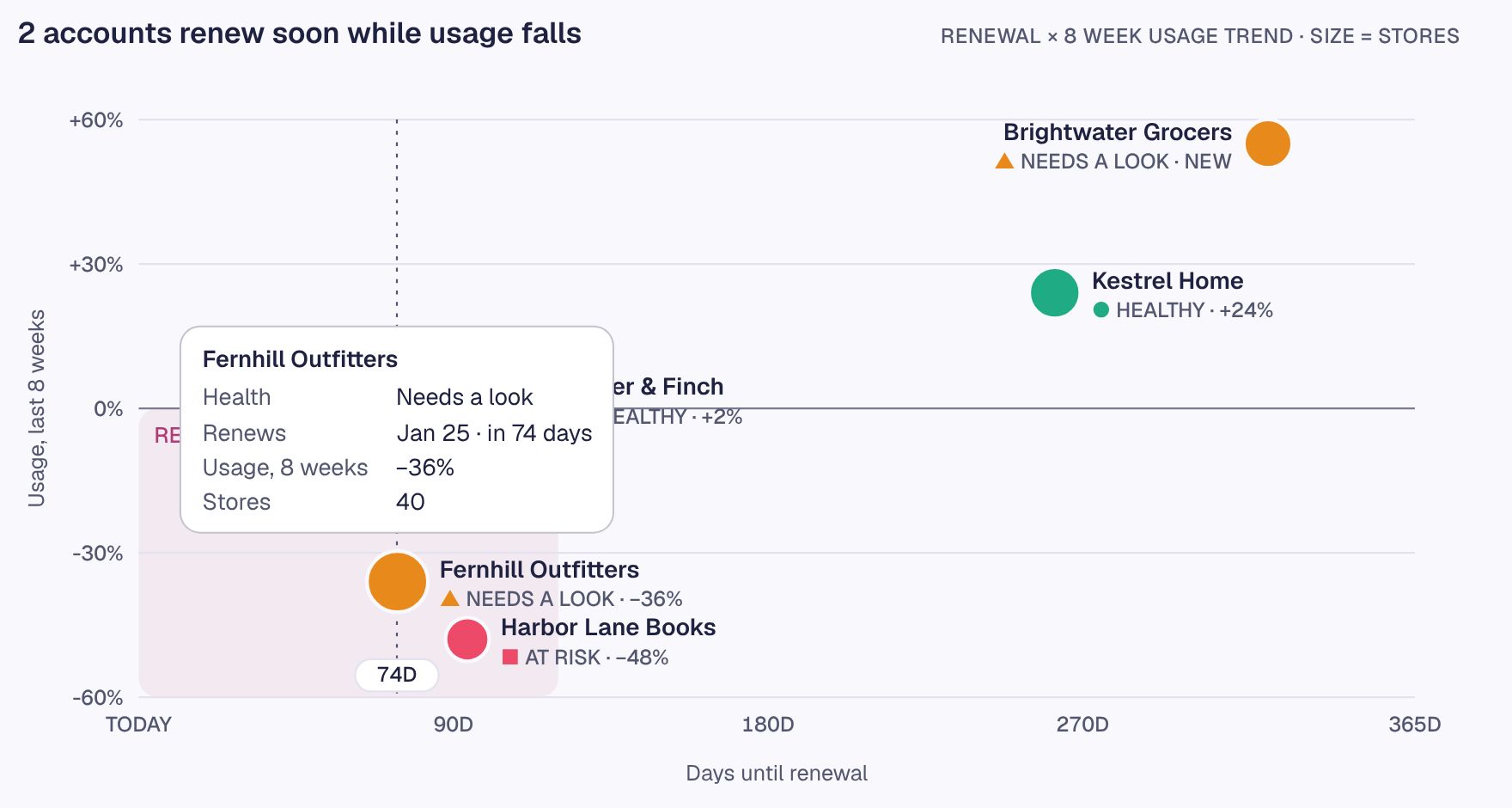
A dashboard that only reports gets closed. Each chart here starts from a decision an account manager has to make, and ends where the decision is made. The portfolio map is the longest walk.
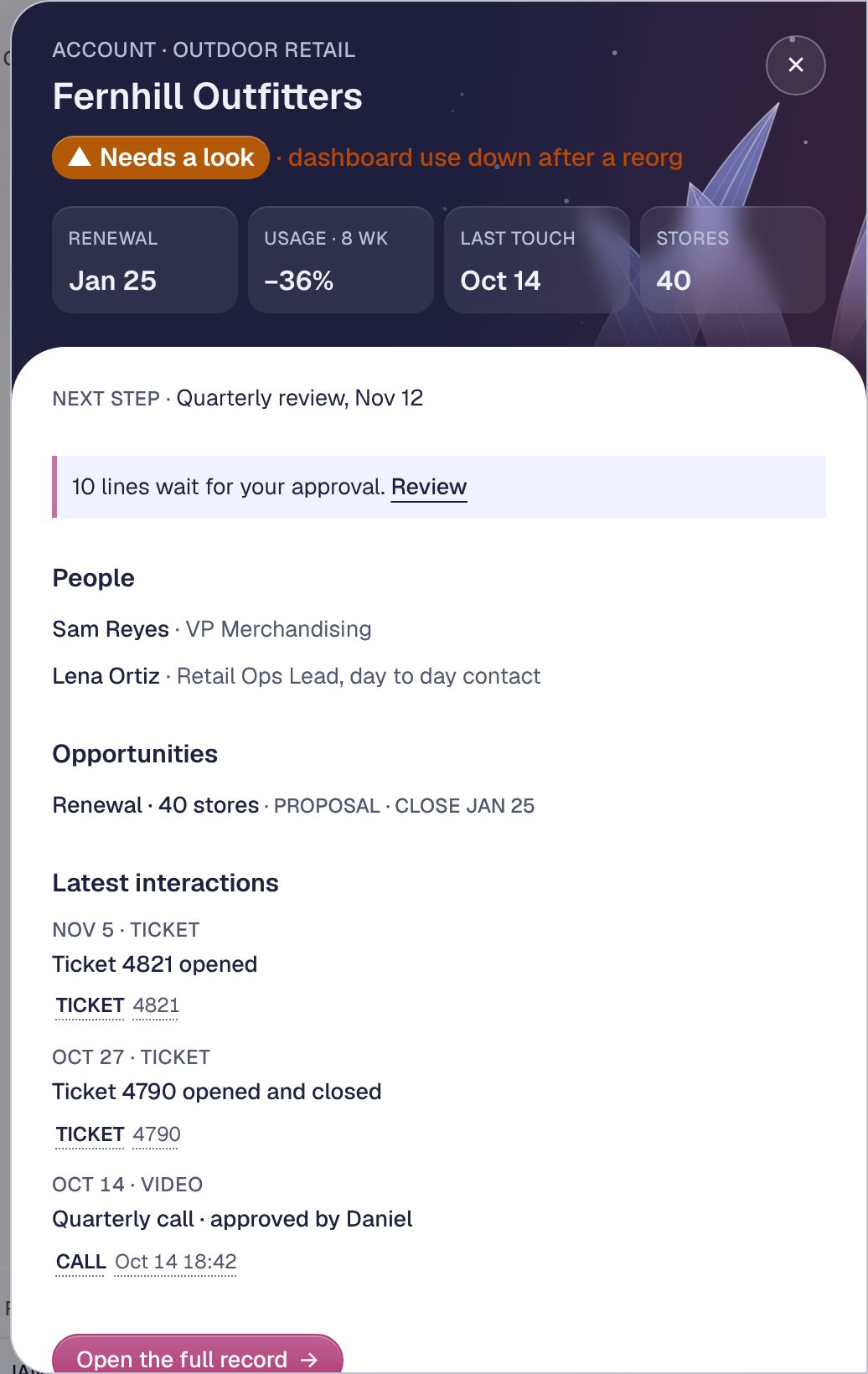
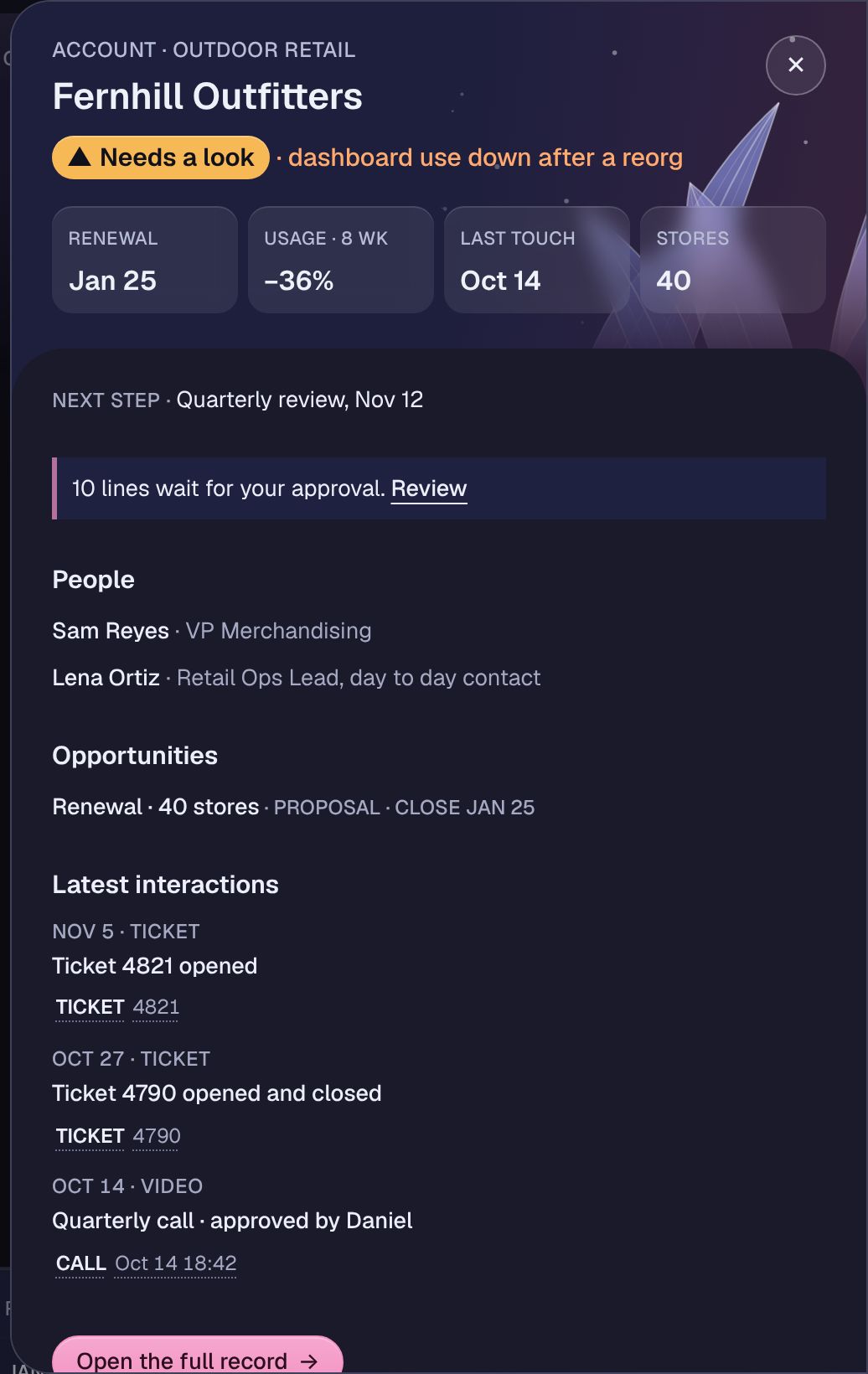
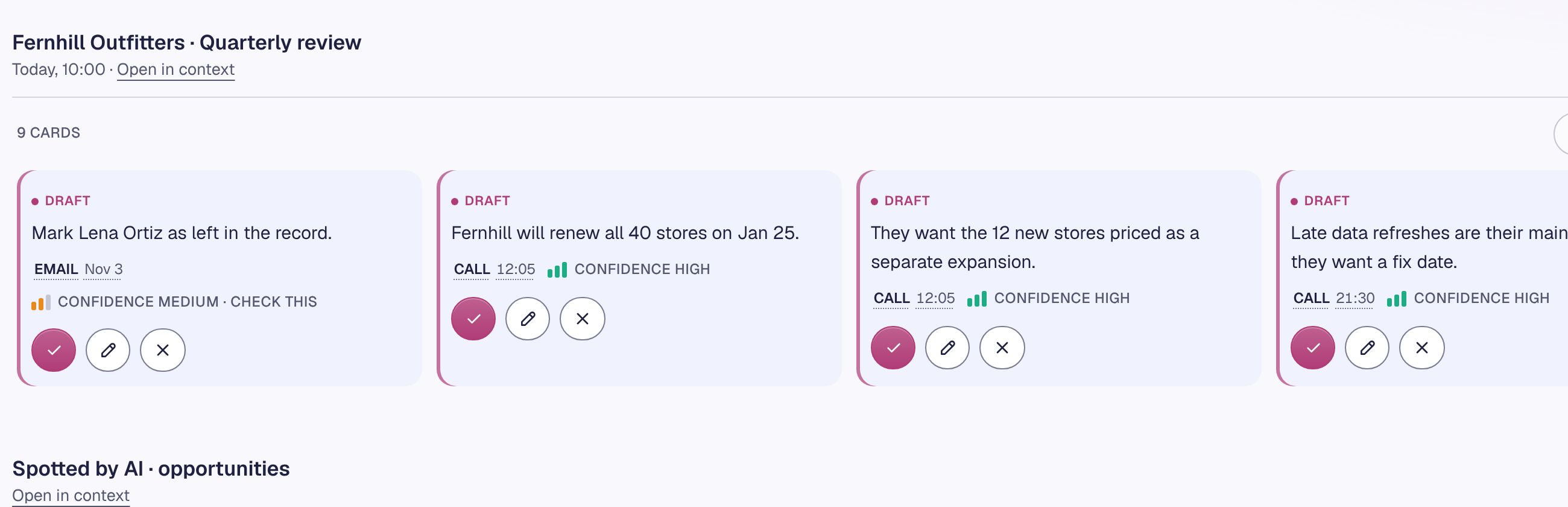
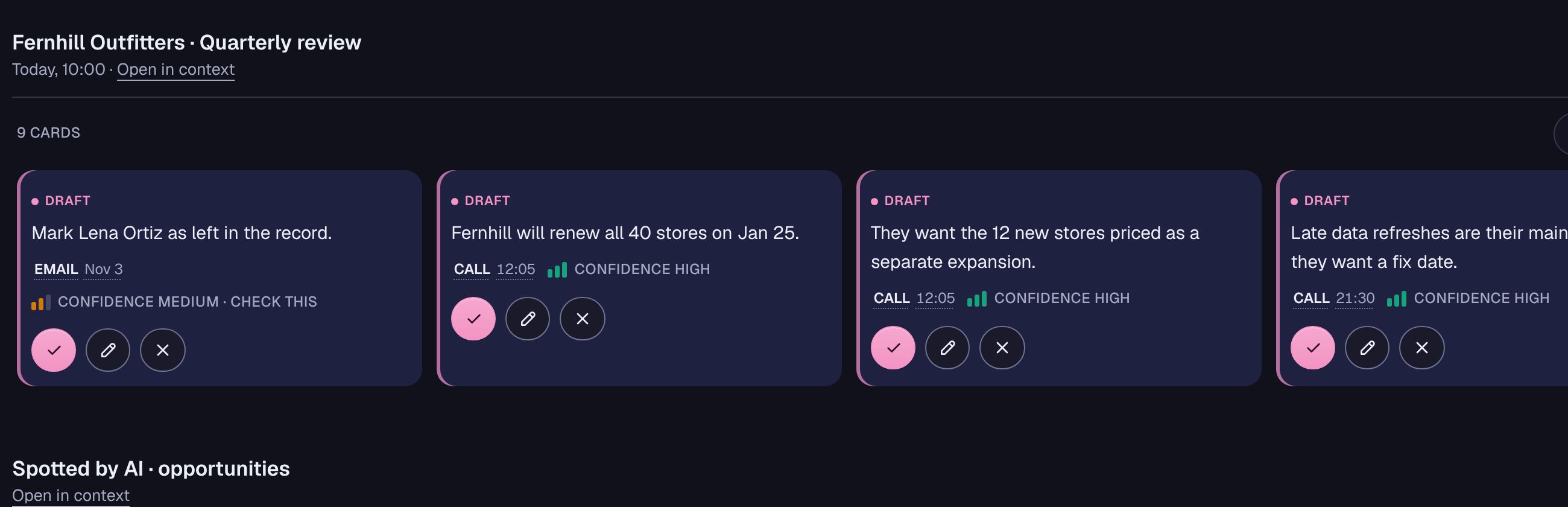
The rules the charts follow
Color never works alone
Health is three solid colors and three words; confidence is bars that count as well as color. The three are checked for colorblind separation, so a row of accounts still sorts itself with the color gone.
Periwinkle is data, rose is action
Marks and trends are periwinkle; the one warm color on the page is the rose of the actions. A chart can sit beside a button without competing for the eye.
The exact number is one hover away
The surface shows the shape; a cursor line with its day label and a tooltip carry the numbers. The same data sits in a table below the chart, for screen readers and for anyone who wants rows.
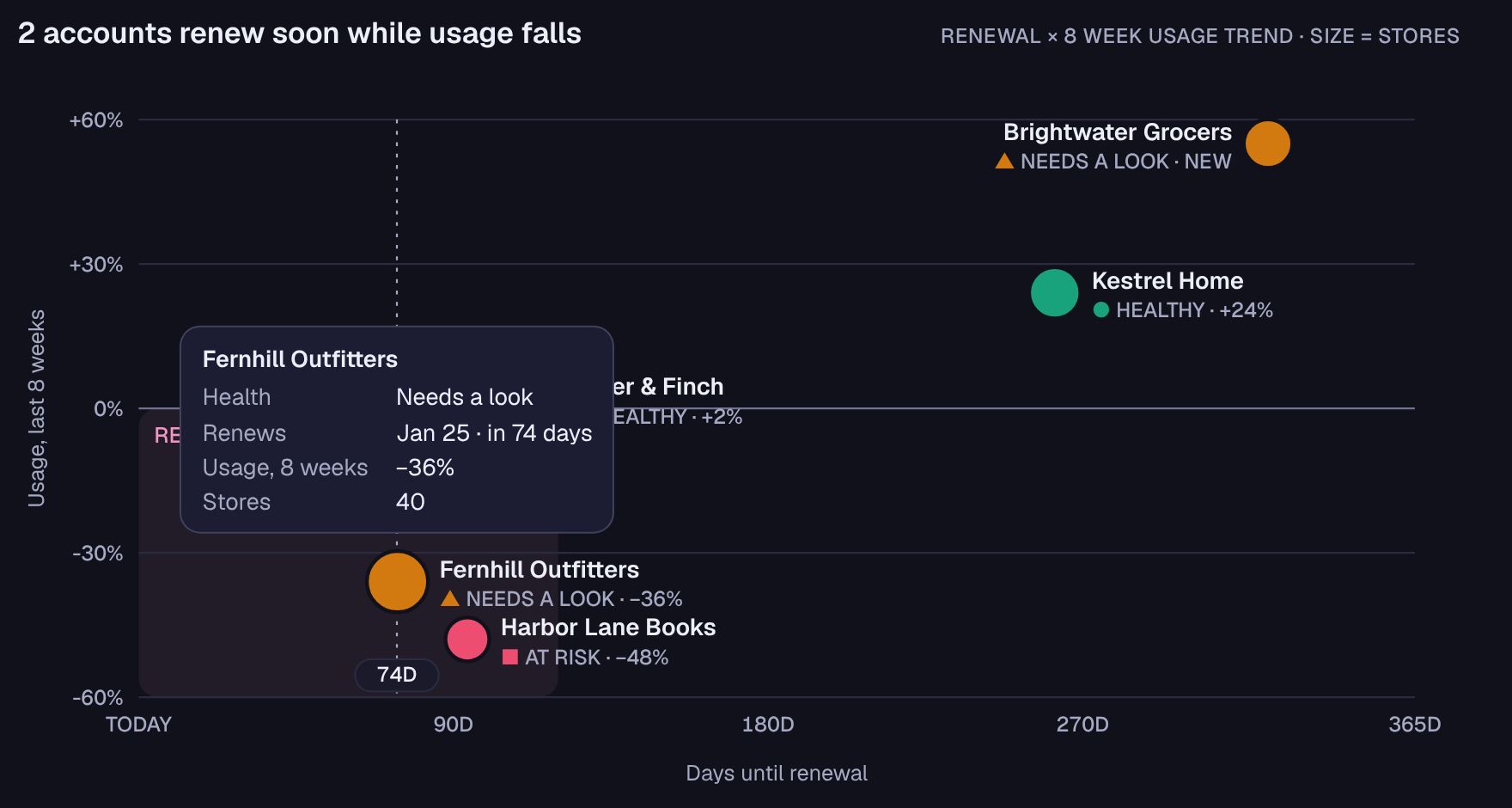
Readable in both themes
Text on every chart passes WCAG AA in light and dark, and the marks hold at least 3:1 against their cards.
How the palette was chosen
The colors came out of a recorded exploration, not a mood board: twelve rounds, each a set of options compared on the same screens.
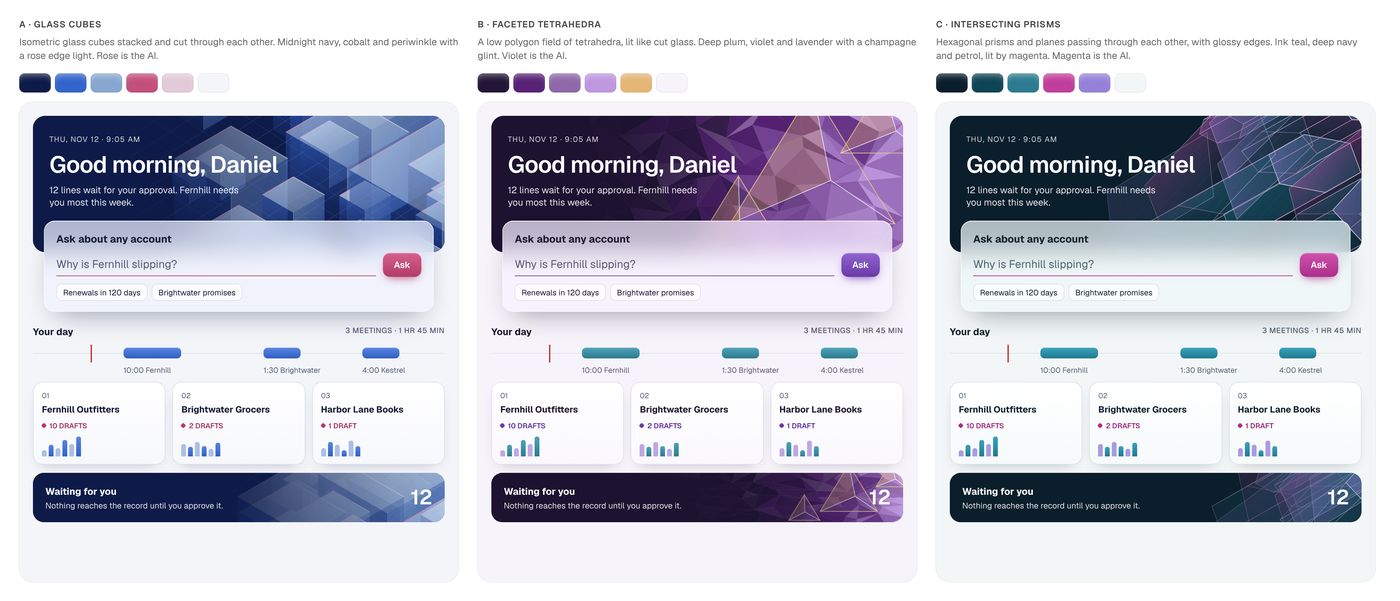
· Dark and glossy first: glass cubes, faceted tetrahedra, prisms. Striking, and too heavy for a tool used all day.
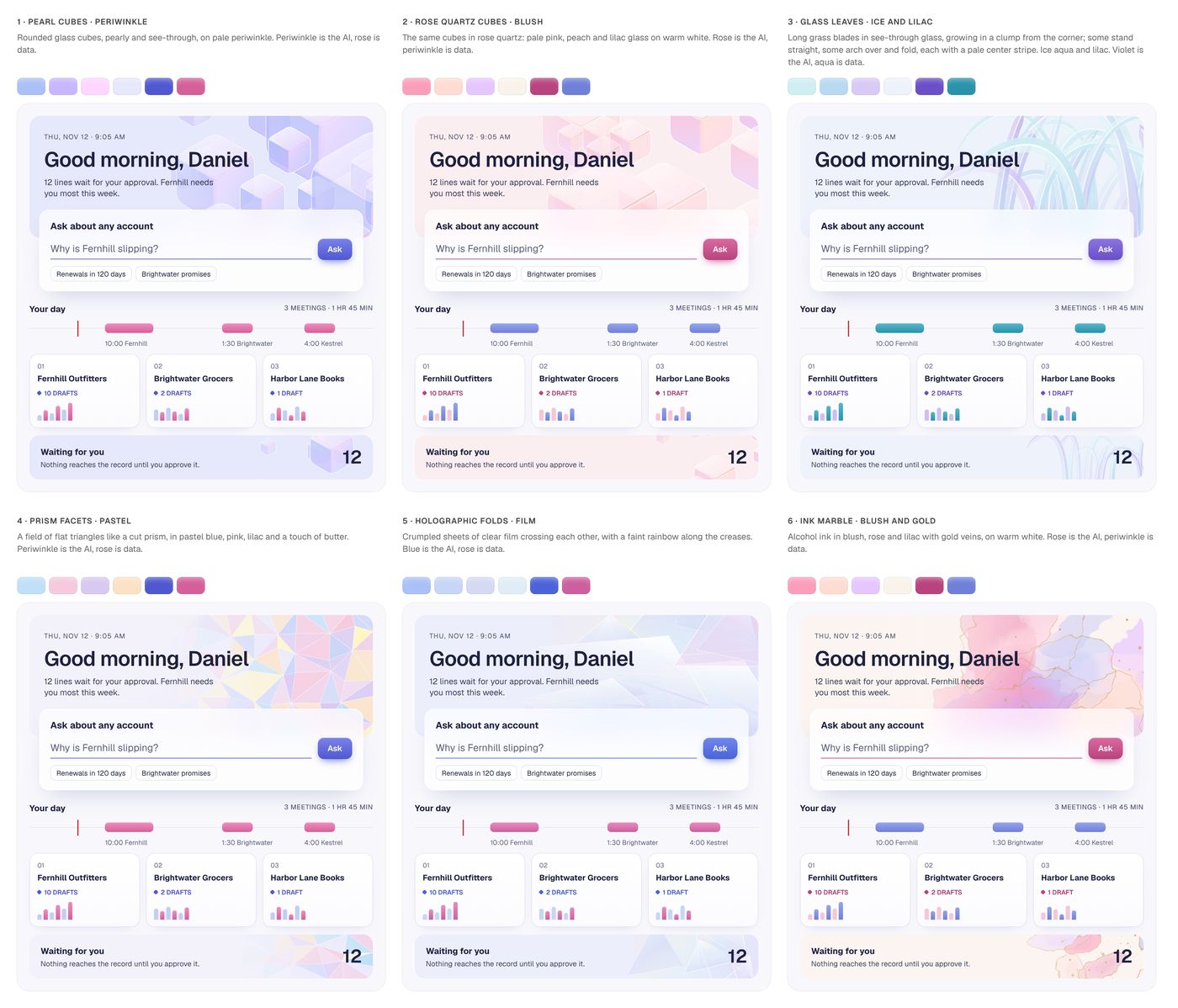
· So the palette went light and the art carried the weight: six directions, from pearl cubes to ink marble.
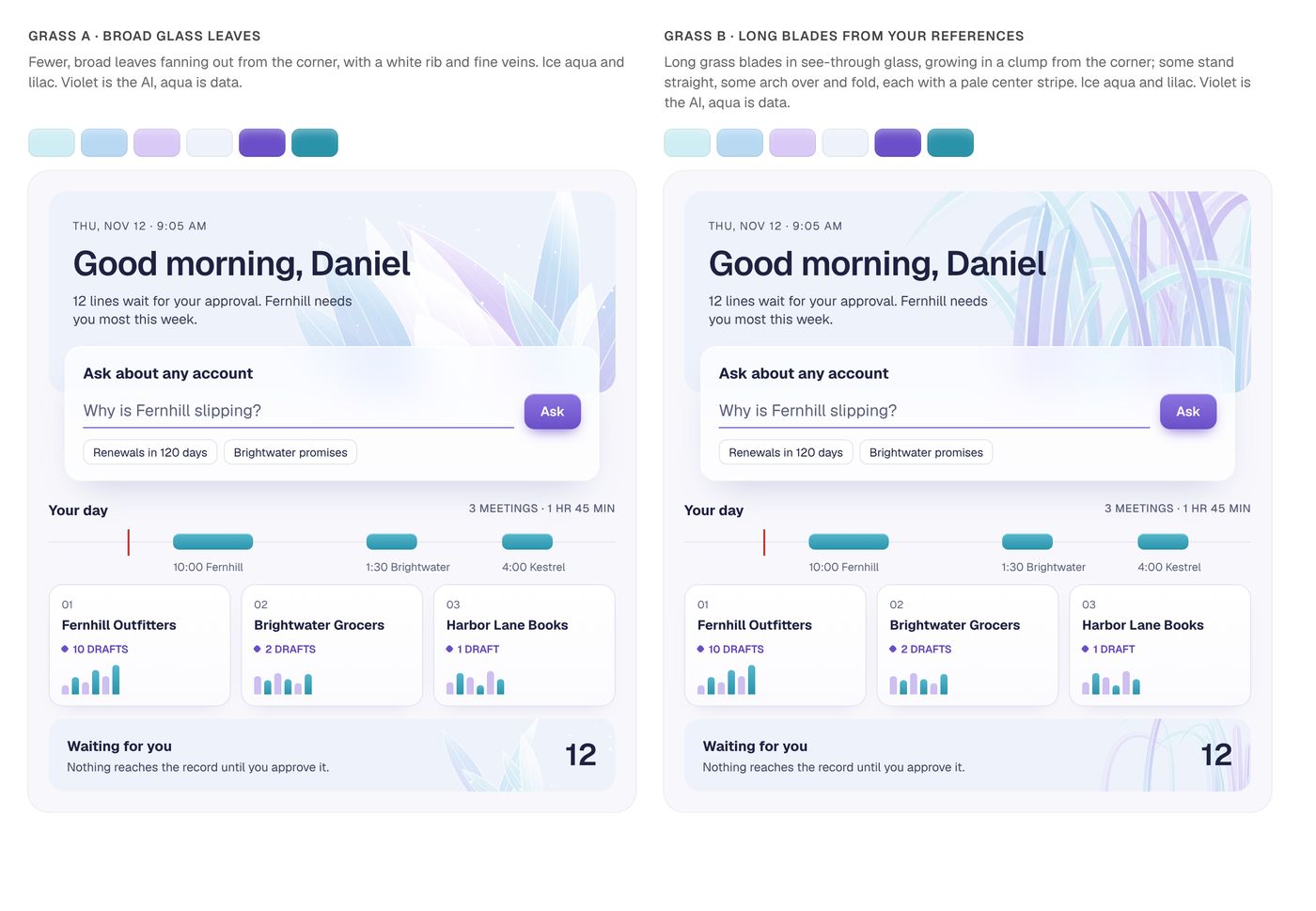
· The shards read as blades, so they grew into glass leaves: broad ones against long arching ones. Broad won.
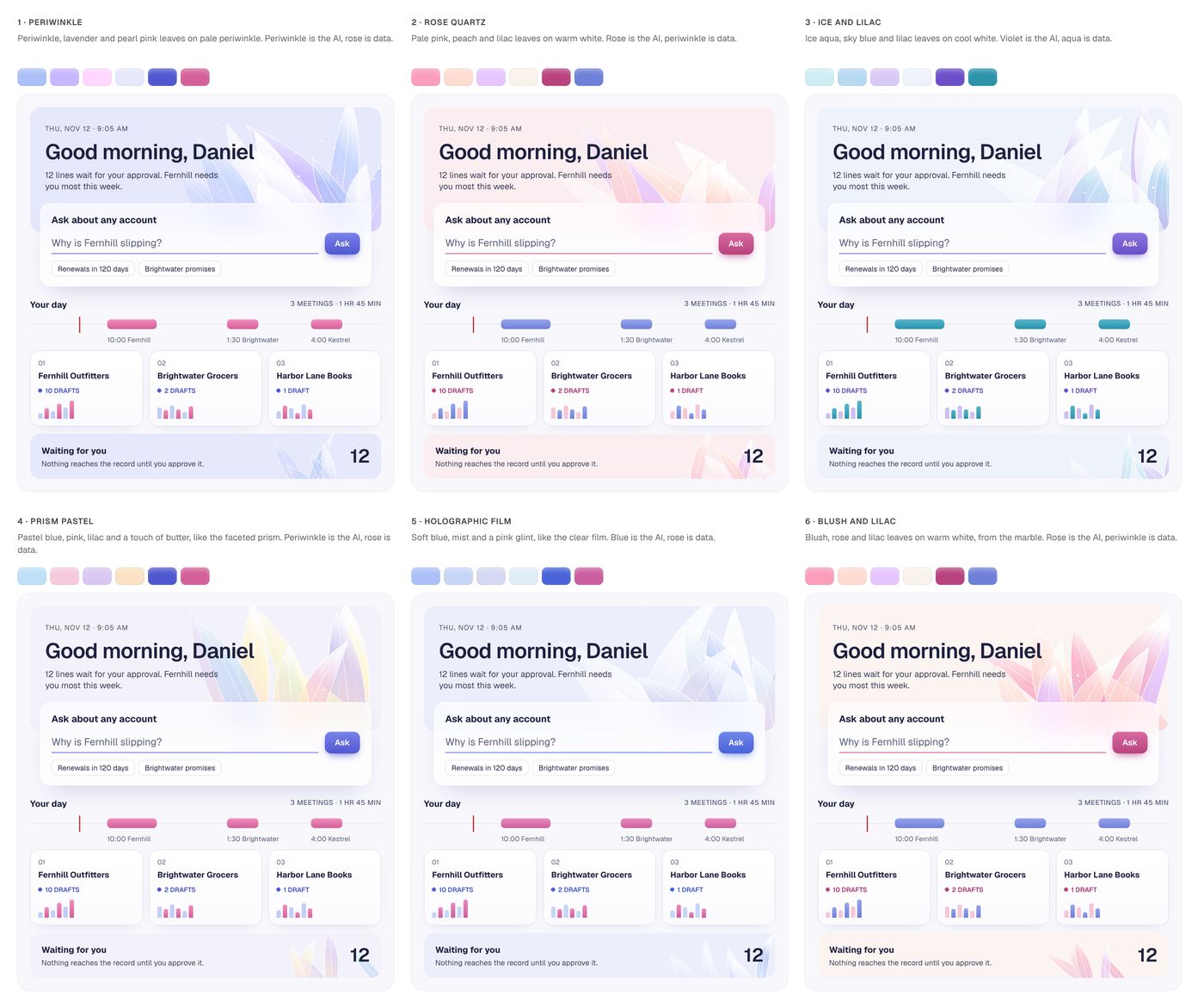
· The leaves in all six pastel palettes, compared on the same screen.
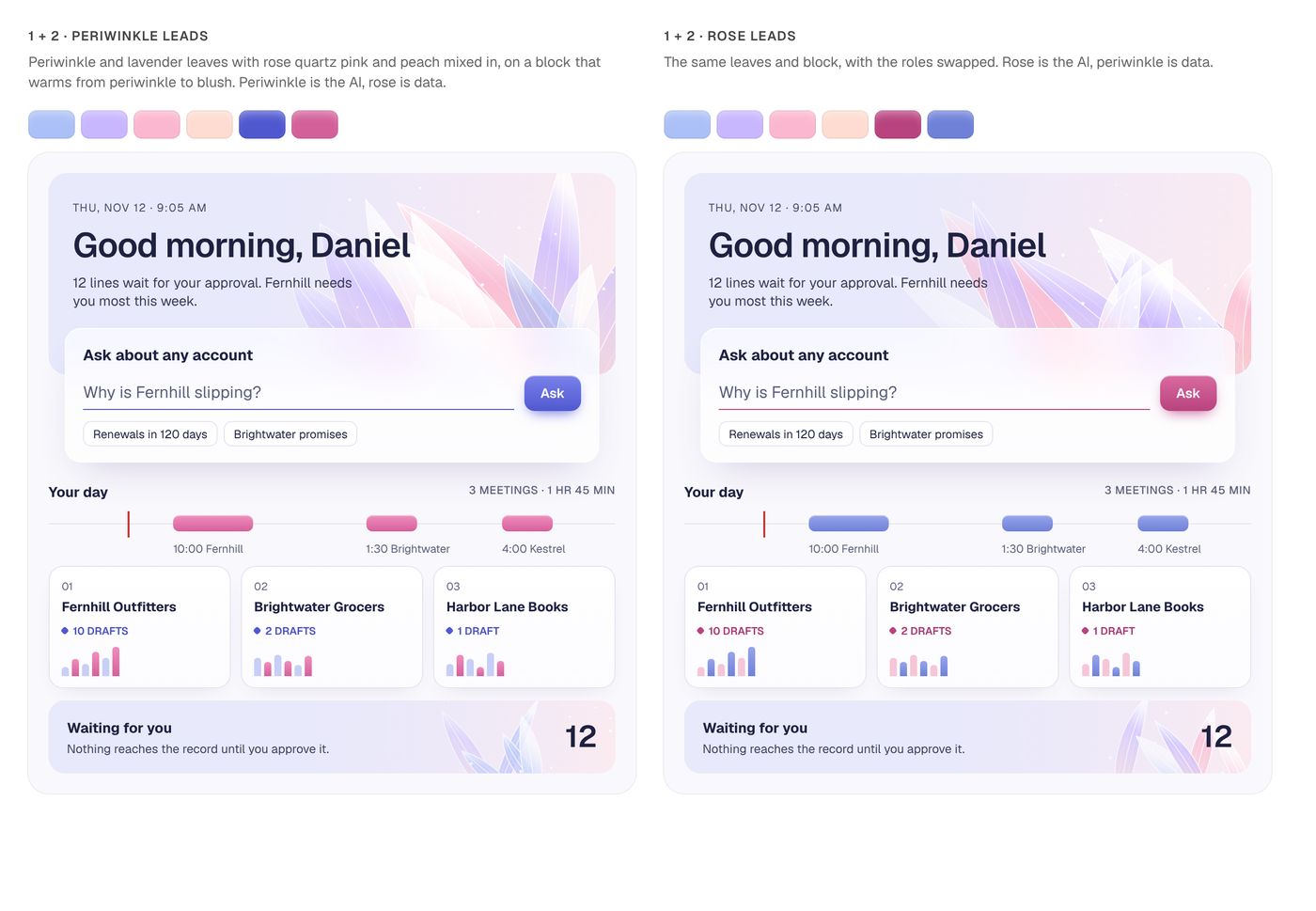
· The last two blended: periwinkle warming to rose quartz, led from either end.
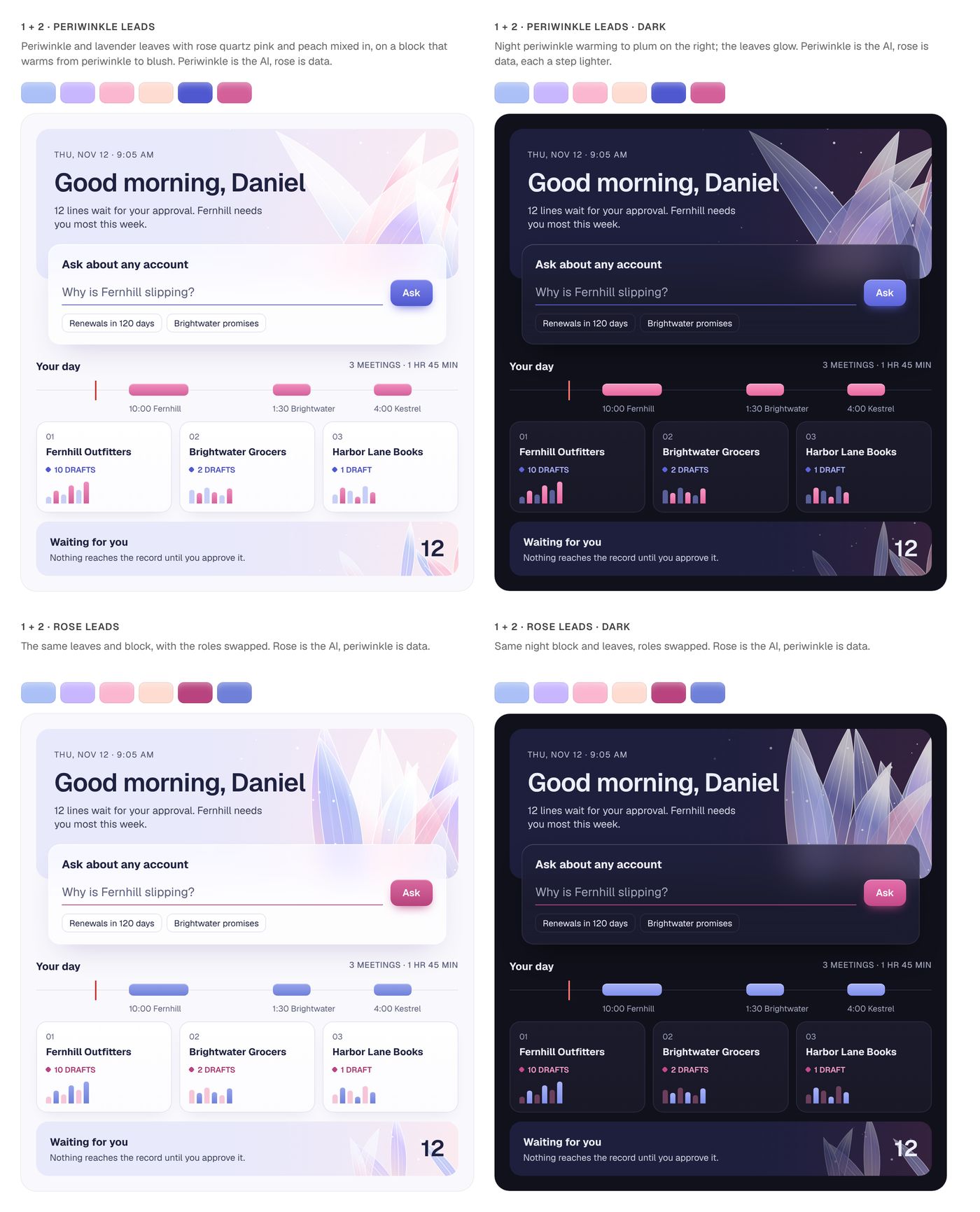
· Both blends at night. Rose leads won: on a periwinkle page, the rose actions are the one warm thing.
Then the numbers: white on the rose button 5.1:1 in light and 4.5:1 in dark, rose draft text 6.1:1 on cards and 8.5:1 at night, periwinkle chart marks 3.7:1 and 5.8:1 against their cards. The whole exploration, image by image, is in the repo.
Calm to use all day, rose where the AI asks you to act
Space and rules instead of boxes, one friendly typeface, and one material: soft periwinkle blocks with glass leaves, night periwinkle in the dark.
Rose is the one warm color, for the AI and the actions it asks for. Periwinkle carries the data.
Page
Mist
Ink
Rose: AI, actions
Draft wash
Charts
Left half light, right half dark. Every text color passes WCAG AA on every background in both.
Three directions, one kept
Three directions, judged on one question: does someone who can’t see color still know a line is a draft?
Ledger
Calm and editorial, one deep green
Drafts were marked by italics alone, which a screen reader can’t hear and low vision can miss.
Signal
Dense and precise, one electric blue
Chosen: DRAFT is a word, so everyone gets it, and density suits a tool open all day. Its blue later became today’s violet.
Margin note
Warm and human, a clay accent
The clay sat too close to the warning colors a risk flag needs, and drafts relied on a tint.
The three, as they were judged: see the directions page.
Every prompt, decision and commit is public
Built by prompting AI, with a record for every decision and prompt.
It is designed from scratch and uses nothing from any CRM I worked on before.
How it works, and why it is built this way
An AI CRM is mostly rules about trust, and they only feel real when you can approve a line and watch the record change.
About 8,500 lines of TypeScript, over 100 commits.
WHY THIS STACK
Next.js and React
Web and phone from one codebase.
TypeScript, strict
A line without sources fails the build.
Tailwind CSS
Tokens for light and dark, contrast checked.
No component library
Focus and labels designed, not inherited.
THREE CHANGES I’D WALK THROUGH
1. One gate for everything the AI writes
Problem. Every new path to the record was a chance to skip review.
What I changed. One gate for every line, with a test that proves it.
2. Phone and web share one store
Problem. Phone and web had to agree.
What I changed. One store and one commit function for both.
3. “Drafted”, but where?
Problem. A confirmation pointed to a draft with no way to reach it.
What I changed. Review it now opens the draft, with focus moved there.
THE RULES, CHECKED IN CODE
Nothing saves without you, and tests prove it.
See the tests (opens GitHub in a new tab)See the store (opens GitHub in a new tab)All the code (opens GitHub in a new tab)
WORKING WITH AI
AI drafted components and tests. I read every change and made every call.
- Saving with nothing approved saves nothing
- Approving a log line doesn’t save it; Save does
- A record fix saves as soon as it is approved
- An edit counts as an approval and keeps the words
- A draft from Ask waits in Review until approved
- A task from Ask goes to the top of Your tasks, once
- A dismissed line can say why, and the team sees it
- A flagged Ask answer reaches the team; flagging again takes it back
Approve every line, or approve the meeting?
Approving line by line keeps the core rule strict, but it’s work, and work made CRMs go stale.
So the first test questions the rule itself.
- Hypothesis
- Approving a meeting at once logs more meetings the same day, without more mistakes.
- Who sees what
- Split by person, not by meeting.
- Main number
- Meetings with an approved log on the same day.
- Guardrails
- Edits after saving, sources opened, lines flagged later.
- How long
- Four weeks, so each person has enough meetings to compare.
- Decision rule
- Ship B only if same day logs rise and corrections don’t.
What I’d want to learn next, and how I’d measure it
A concept, so no outcomes yet. What I’d measure:
What I’d do differently
Talk to account managers first. Real interviews would have tested the core bet sooner.
- Do people approve drafts as they are?Drafts approved without edits.
- Is the record more complete?Meetings logged within a day.
- Do people trust Ask?Answers opened to their source.